

Laravel Multivendor Marketplace - eCommerce CMS
Get up and running with Bazaro in minutes. Explore detailed documentation covering installation, configuration, customization, marketplace management, and future scalability.
| Item Name | Bazaro - Laravel Multivendor Marketplace - eCommerce CMS |
| Created | July 7, 2026 |
| Item Version | v1.0.0 |
| Author | aqlova |
| Support Ticket | https://help.aqlova.com/login |
Introduction
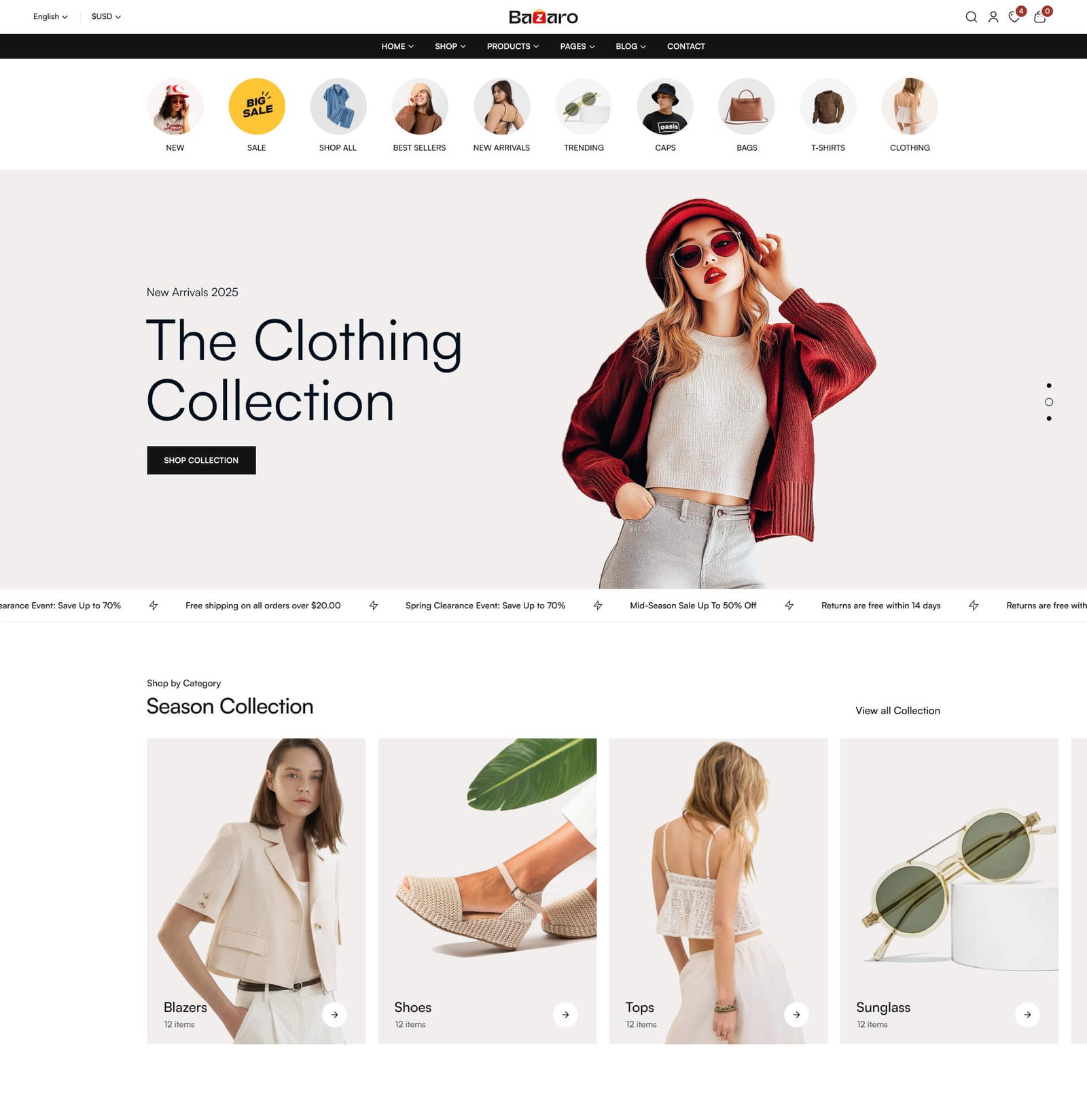
Bazaro is a modern Laravel-based eCommerce and Multivendor Marketplace platform designed to help businesses launch, manage, and scale online stores with ease. Built with performance, flexibility, and scalability in mind, Bazaro includes powerful marketplace management, secure payment integrations, vendor tools, and a developer-friendly architecture. Whether you're creating a single-vendor shop or a multi-seller marketplace, Bazaro provides everything you need to build a successful eCommerce business.
This documentation provides a comprehensive guide to getting started with Bazaro, including installation instructions, configuration options, customization tips, and detailed explanations of the platform's features. Whether you're a developer looking to extend the platform or a business owner setting up your online store, you'll find all the information you need to make the most of Bazaro.
Explore the docs
Pick a section to get started. Every page is searchable from the command palette (⌘K).
Installation
Server requirements, environment setup, database seeding and the activation wizard.
Get installedFeatures
A tour of admin tools, user dashboards, billing, modules and the design system.
See featuresE-Commerce Management
Manage products, categories, orders, customers, discounts and everything related to your online store.
Manage storeAppearance
Manage themes, brand colors, layout switches and make your site better.
CustomizeFrontend
Manage the frontend aspects of your site, including menus, pages, and home layouts.
CustomizeGeneral Settings
Configure your site settings, including logo, app name, contact informations and other general settings.
ConfigureWhat's Included
After purchasing Bazaro script, go to your Download page. You can download Bazaro Script package which contains the following files:

Contents of the theme package downloaded from Codecanyon
| Folder / File | Description |
|---|---|
| main_files | Contains the main Laravel source code |
| documentation | Contains the documentation for this script |
Credentials
The default credentials of the script are listed below. Use these to log in after a fresh installation.
Admin Login
URL: https://yourdomain.com/admin/login
Email: admin@gmail.com
Password: password
Vendor Login
URL: https://yourdomain.com/vendor/login
Email: vendor@gmail.com
Password: password
User Login
URL: https://yourdomain.com/login
Email: user@gmail.com
Password: password
Please change the default admin password immediately after your first login for security reasons.