

User & Vendor Management
Manage users and vendors on your E-commerce platform.
Users
Navigate to the User & Vendor Management section to manage users on your E-commerce platform.

Here you can find all the users. Click on "Add New" button to add a new user. Also click on the "Edit" button to edit an existing user. Click on the "Delete" button to delete a user. You can also select multiple users to delete at once. To show a user data, click on the "Show" button.

Add User Page.
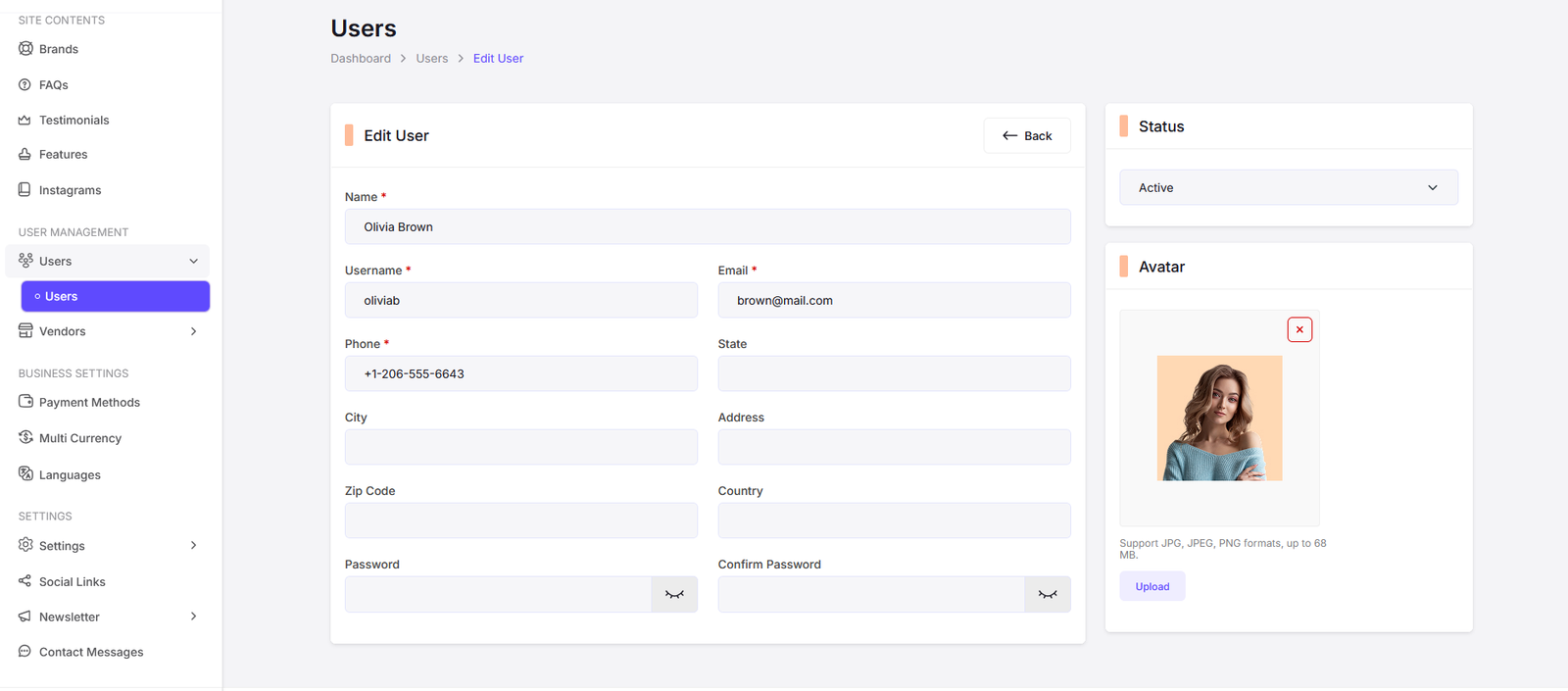
Edit User Page.
Vendors
Navigate to the Vendor Management section to manage vendors on your E-commerce platform.

Here you can find all the vendors. Click on "Add New" button to add a new vendor. Also click on the "Edit" button to edit an existing vendor. Click on the "Delete" button to delete a vendor. You can also select multiple vendors to delete at once. To show a vendor data, click on the "Show" button.

Add Vendor Page.

Edit Vendor Page.
Vendor Applications
Navigate to the Vendor Management section to manage vendor applications on your E-commerce platform.

Here you can find all the vendor applications. You can approve or reject applications, view application details, and manage the status of each application.
KYCs
Navigate to the Vendors section to manage KYCs on your E-commerce platform.

Vendor KYCs (Know Your Customer) are essential for verifying the identity of your vendors and ensuring compliance with legal and regulatory requirements. In this section, you can review and manage the KYC documents submitted by your vendors, approve or reject them based on your criteria, and maintain a secure and trustworthy marketplace.

View KYC Details Page.

Add KYC Page.

Edit KYC Page.
Withdrawals
Navigate to the Vendors section to manage withdrawals on your E-commerce platform.
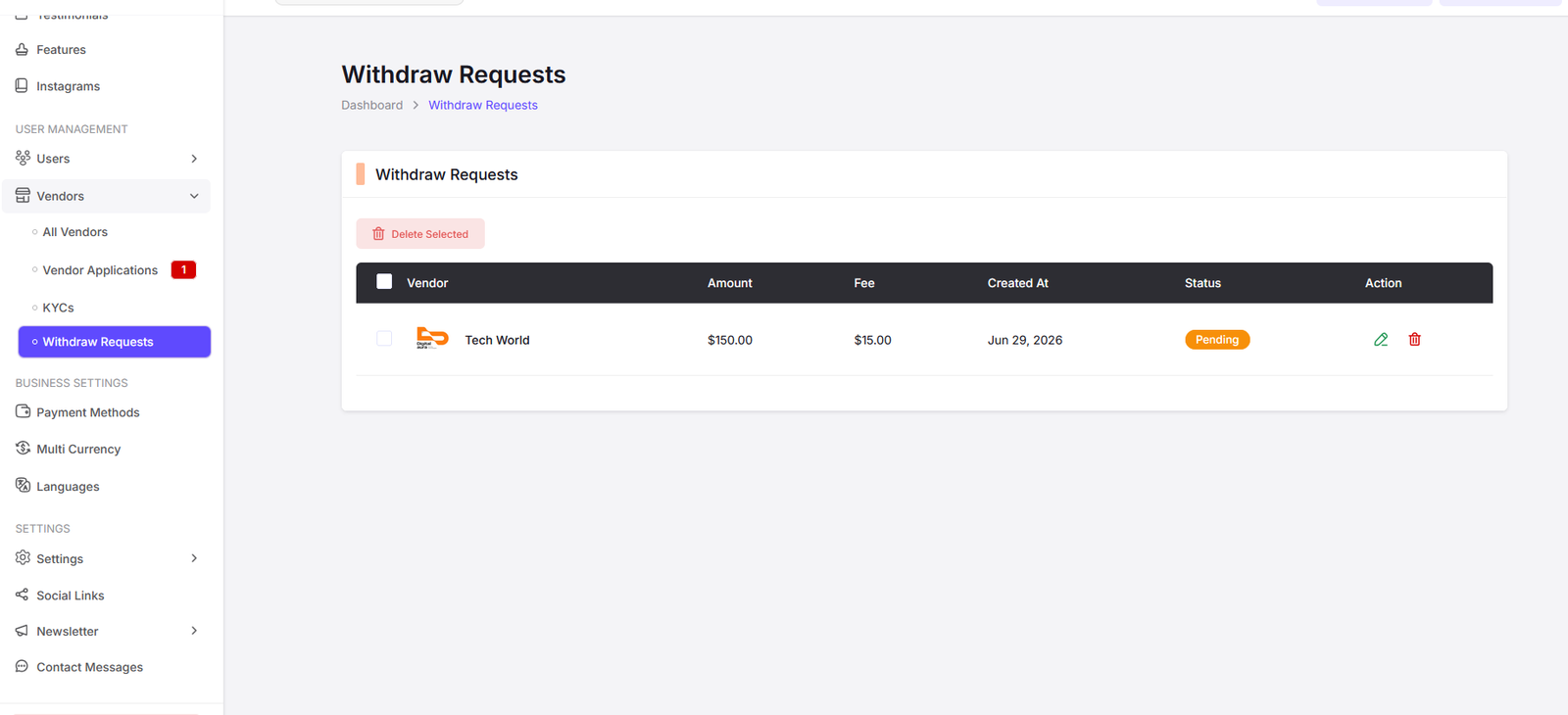
Here you can manage vendor withdrawals. You can view withdrawal requests, approve or reject them, and keep track of the withdrawal history for each vendor. This helps you maintain a smooth financial process and ensure timely payments to your vendors.

Edit Withdrawal Page. Here you can update the status of a withdrawal request, add notes, and manage the details of the withdrawal process for a specific vendor.