

Vendor E-commerce
Bazaro's vendor e-commerce module provides a comprehensive solution for businesses to manage their online sales and operations. With features such as product management, order processing, and customer support, it enables vendors to efficiently run their e-commerce stores and deliver a seamless shopping experience to their customers.
Products
Manage and configure products, including adding new products, updating existing ones, and setting default product options.
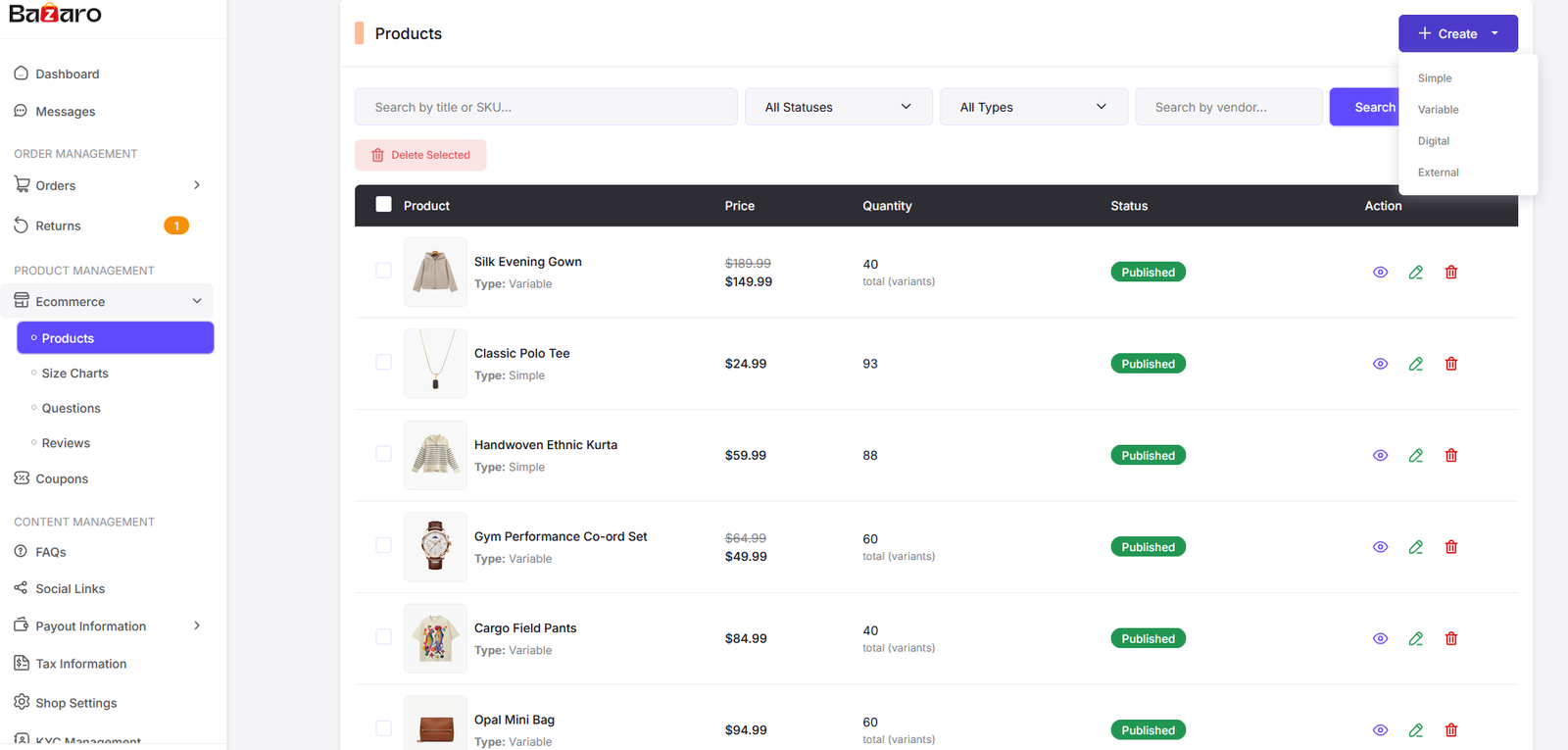
Here you can manage all the products available in your E-commerce platform. You can update the status of each product and configure the settings for each product option.
Follow this link to learn more about how to manage products in Bazaro: Product Management. (Some options may not be available for vendor e-commerce, as they are specific to the admin dashboard.)
Size Charts
Add products size charts from here. You can add size charts for different products and categories. This will help your customers to choose the right size for their products.

Here you can find all the size charts. Click on "Add New" button to add a new size chart. Also click on the "Edit" button to edit an existing size chart. Click on the "Delete" button to delete a size chart. Also you can select multiple size charts to delete at once.
Follow this link to learn more about how to manage size charts in Bazaro: Size Charts. (Some options may not be available for vendor e-commerce, as they are specific to the admin dashboard.)
Questions
Customers can ask questions about products, and you can manage these questions from the admin panel. You can view, answer, and delete questions as needed.

Here you can find all the questions from customers. Click on "View" button to view the question and answer it. Click on the "Delete" button to delete a question. Also you can select multiple questions to delete at once.

View question page. Here you can view the question and answer it. You can also update status.
Some options may not be available for vendor e-commerce, as they are specific to the admin dashboard.
Reviews
Customers can leave reviews for products, and you can manage these reviews from the admin panel. You can view, approve, and delete reviews as needed.

Here you can find all the reviews from customers. Click on "View" button to view the review.
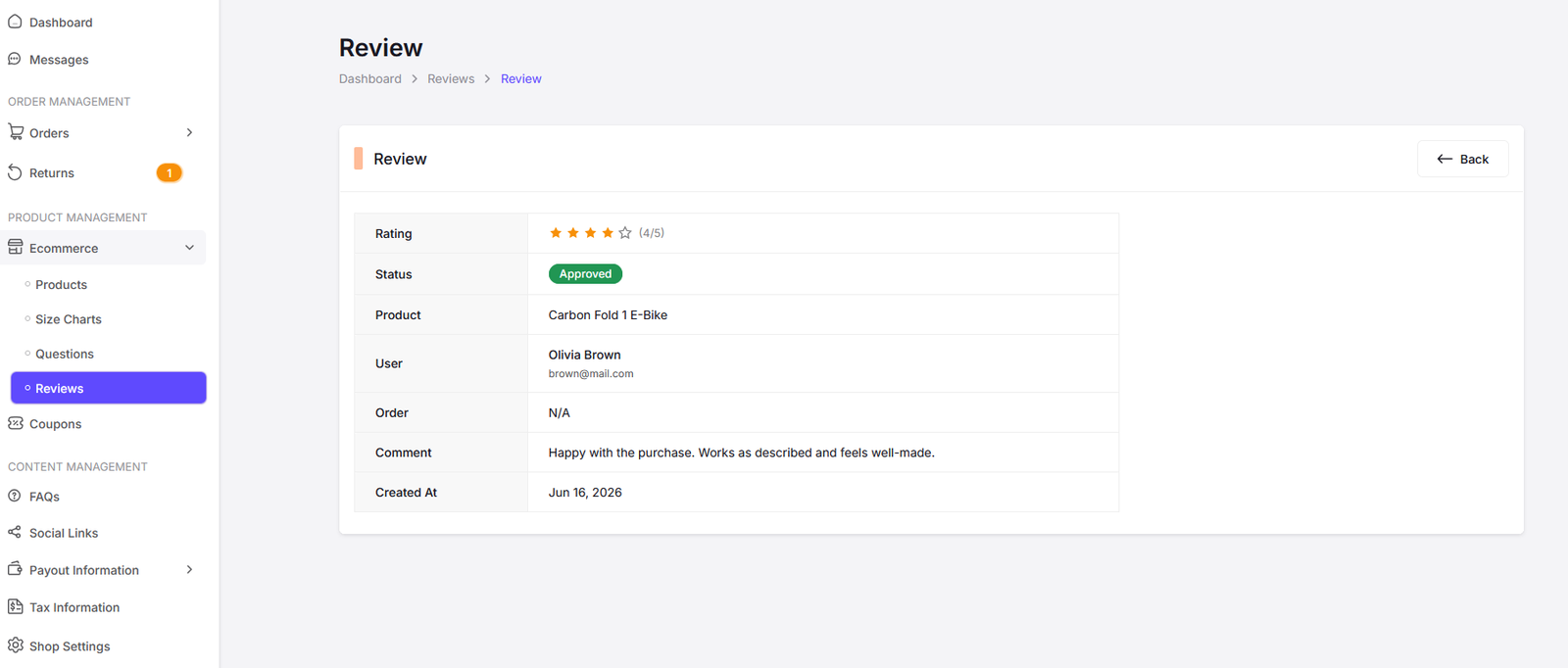
View Review page. Here you can view the review. Only admin can respond to reviews, so this option is not available for vendor e-commerce.
Coupons
Here you can manage the coupons associated with your products, including adding, removing, and organizing product coupons.

Here you can find all the coupons in your product. Click on "Add New" button to add a new coupon. Also click on the "Edit" button to edit an existing coupon. Click on the "Delete" button to delete a coupon. Also you can select multiple coupons to delete at once.
Follow this link to learn more about how to manage coupons in Bazaro: Coupons. (Some options may not be available for vendor e-commerce, as they are specific to the admin dashboard.)
Orders
Manage customer orders, including viewing order details, updating order status.

All orders page. Here you can find all the orders in your E-commerce platform. Click on the "View" button to view the order and update its status. Also click on the "Invoice" button to view the order invoice.

View Order Page.

Order Invoice Page.
Returns
Manage customer returns, including viewing return details, updating return status, and processing refunds.

All returns page. Here you can find all the returns in your E-commerce platform. Click on the "View" button to view the return details.

View Return Page.