

Vendor Contents
Manage and customize the content provided by vendors on your E-commerce platform.
FAQs
Here you can find answers to frequently asked questions regarding vendor content management.
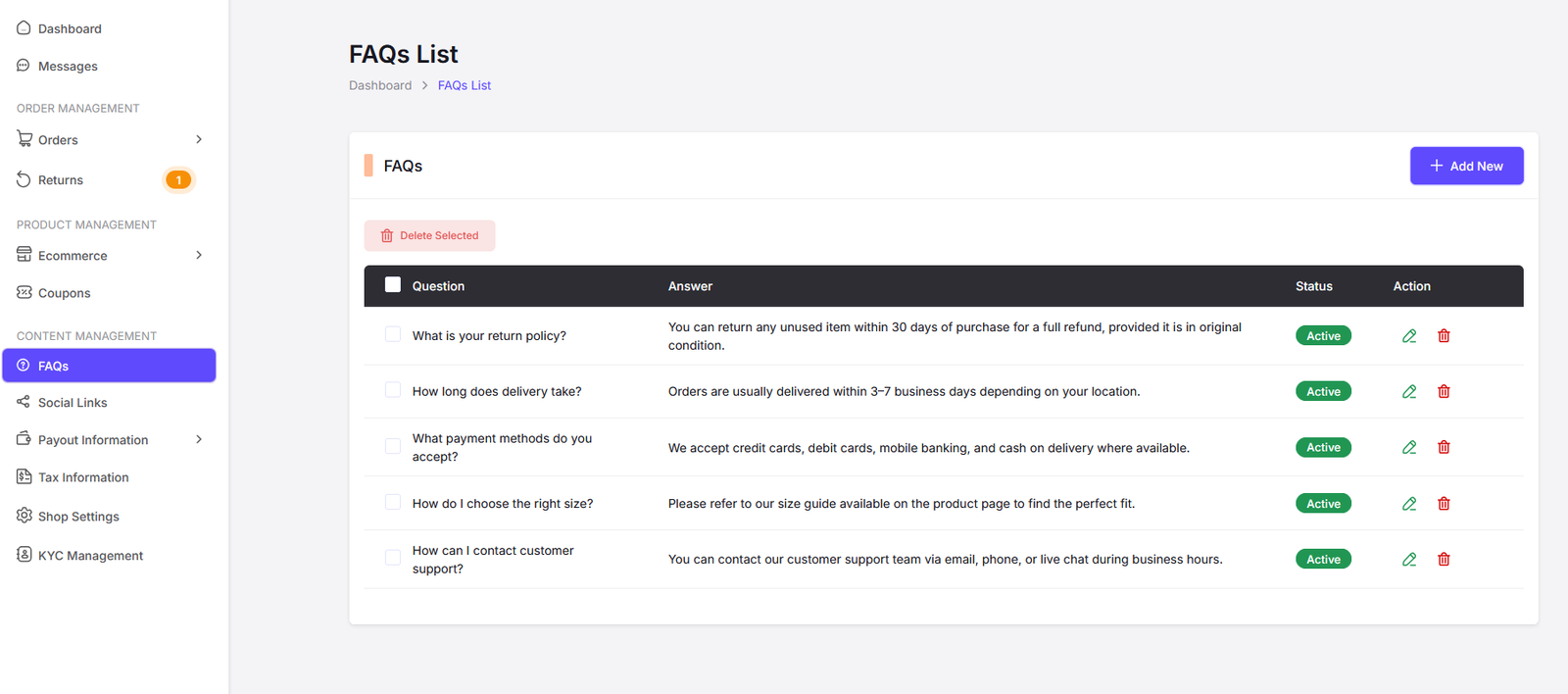
Here you can find all the FAQs. Click on "Add New" button to add a new FAQ. Also click on the "Edit" button to edit an existing FAQ. Click on the "Delete" button to delete a FAQ.
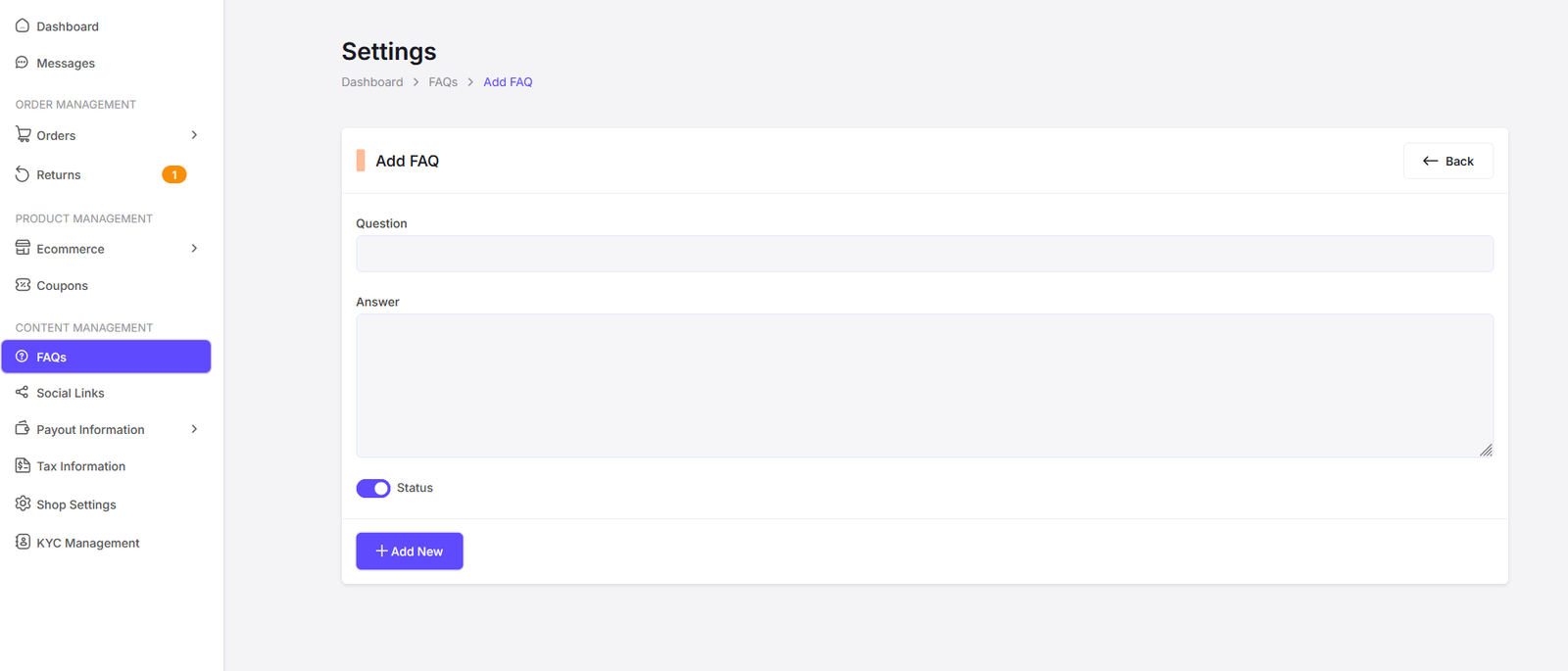
Add FAQ Page
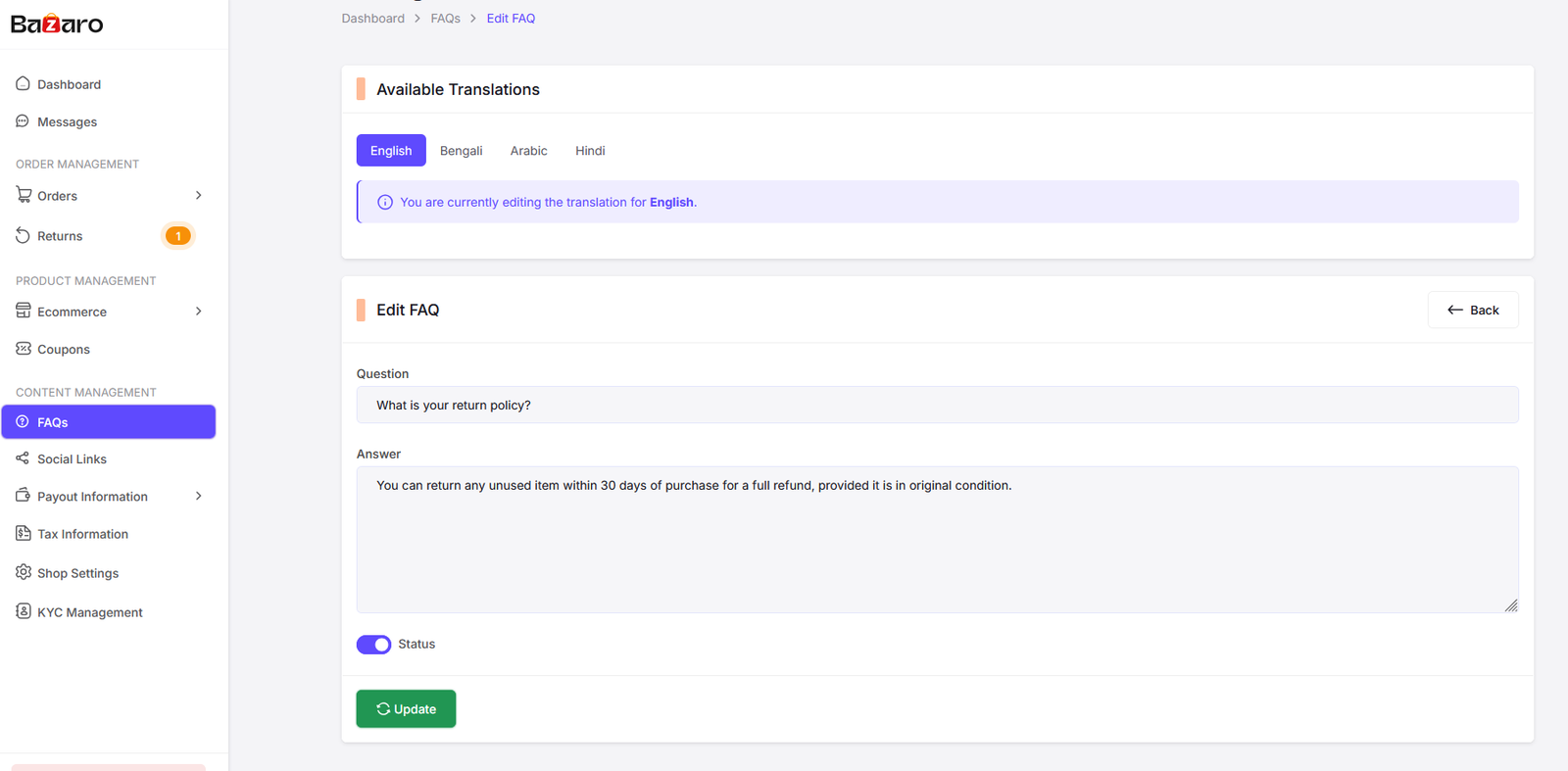
Edit FAQ Page
Socials
Here you can manage the social links for vendor content management.

Here you can find all the social links. Click on "Add New" button to add a new social link. Also click on the "Edit" button to edit an existing social link. Click on the "Delete" button to delete a social link.
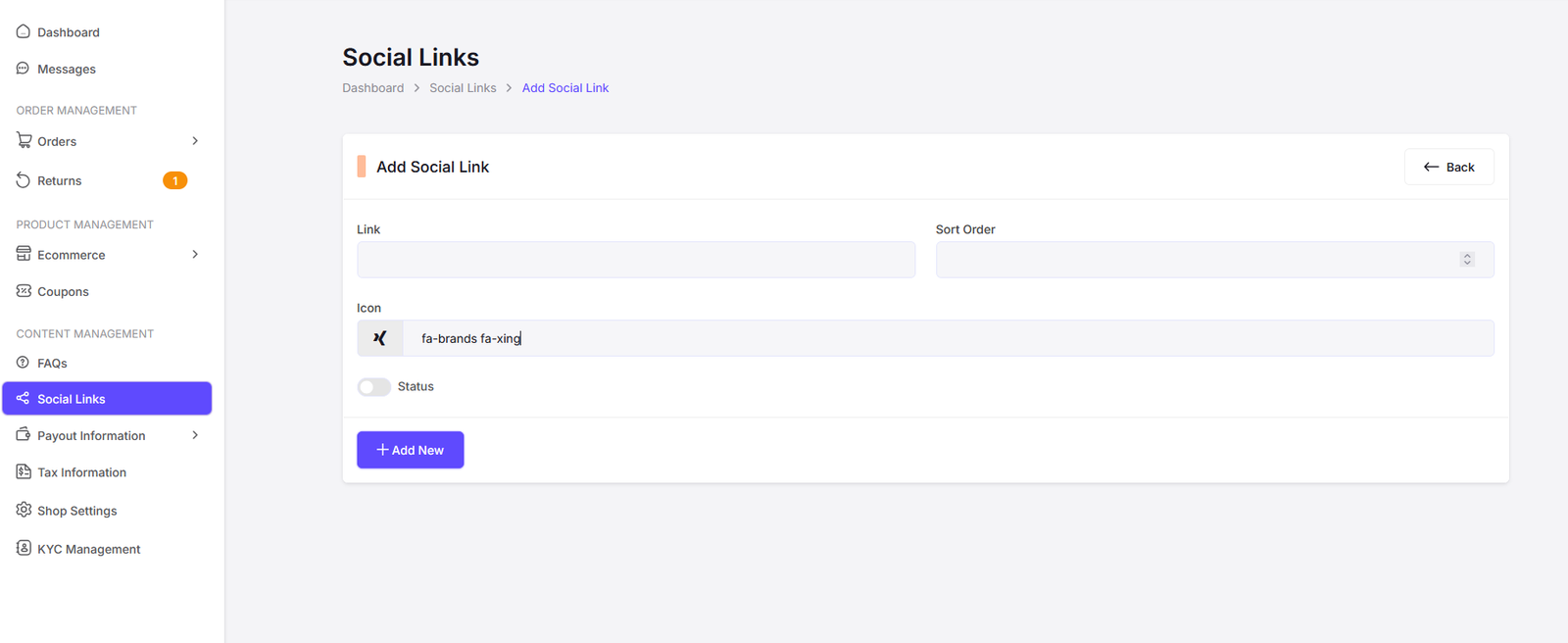
Add Social Link
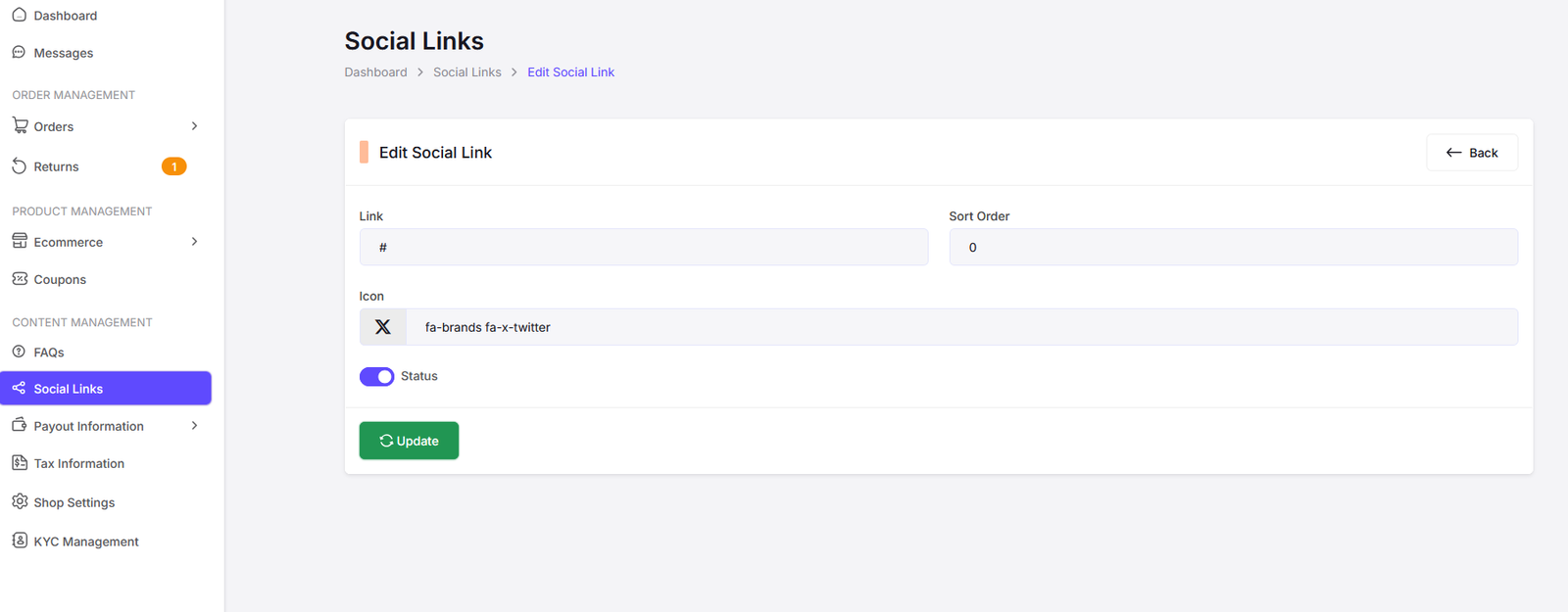
Edit Social Link
Tax Information
You can manage the tax information of your platform here.
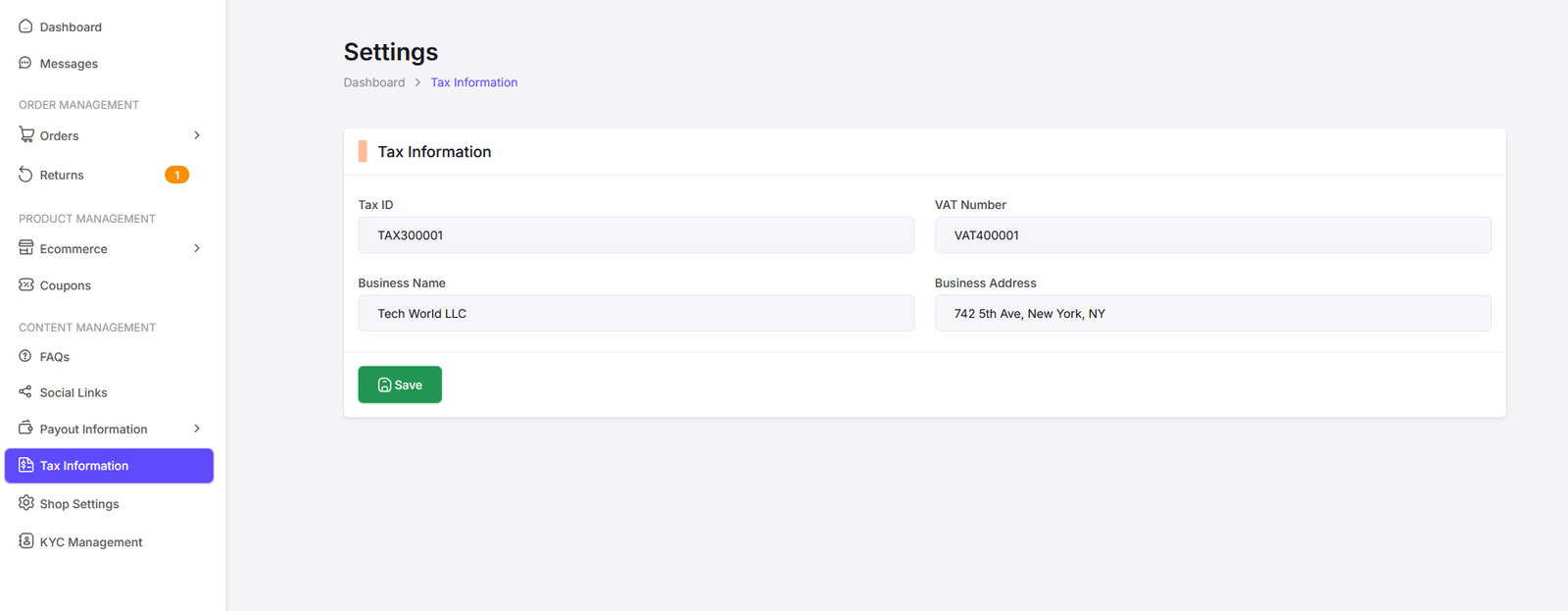
Here vendor can manage the tax information.
Shop Settings
You can manage the shop settings of your platform here.
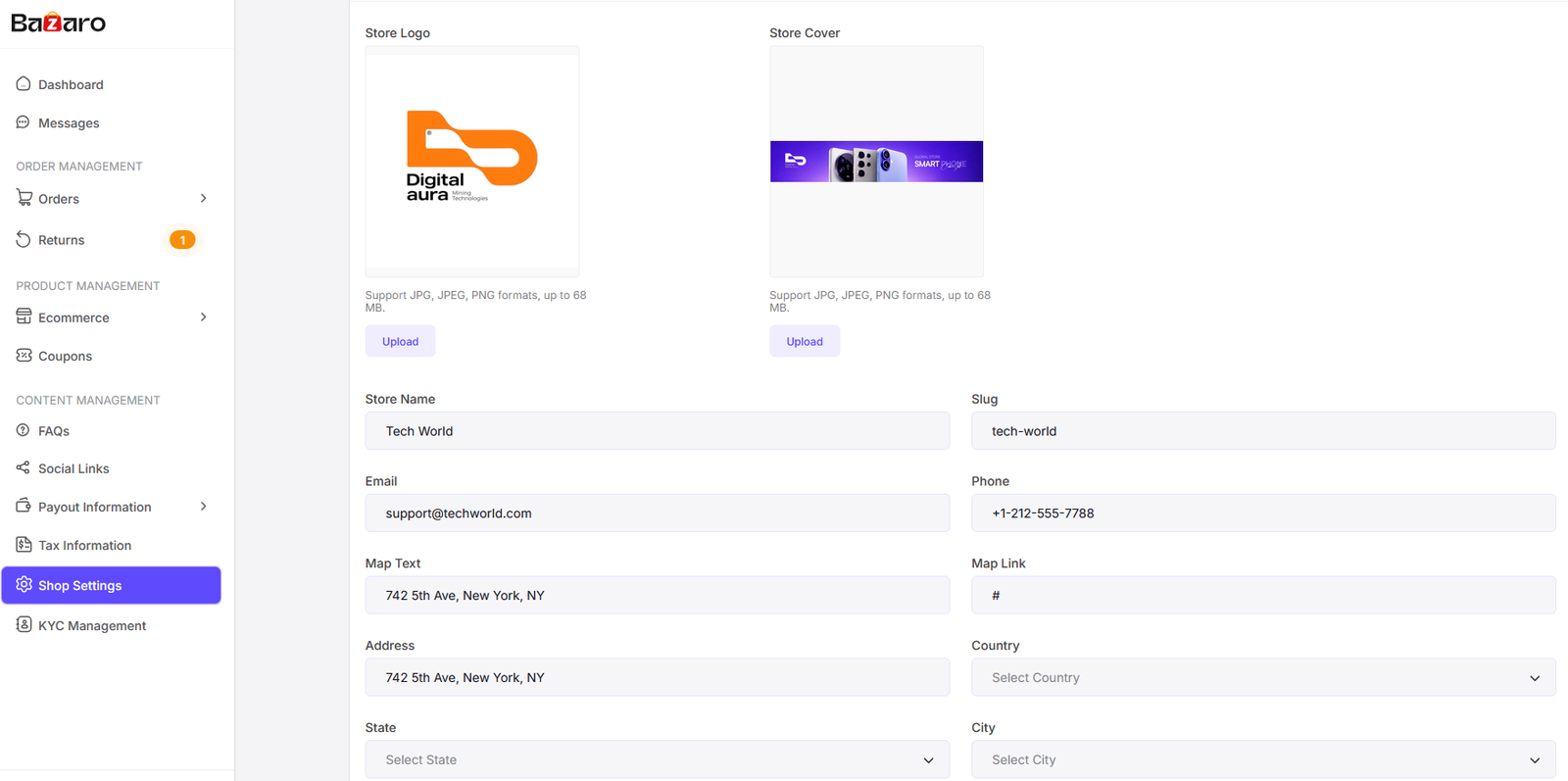
Here vendor can manage the shop settings. Also vendor can manage the shop banner, shop logo, about, seo etc.
KYC Management
Vendor can manage the KYC information here.
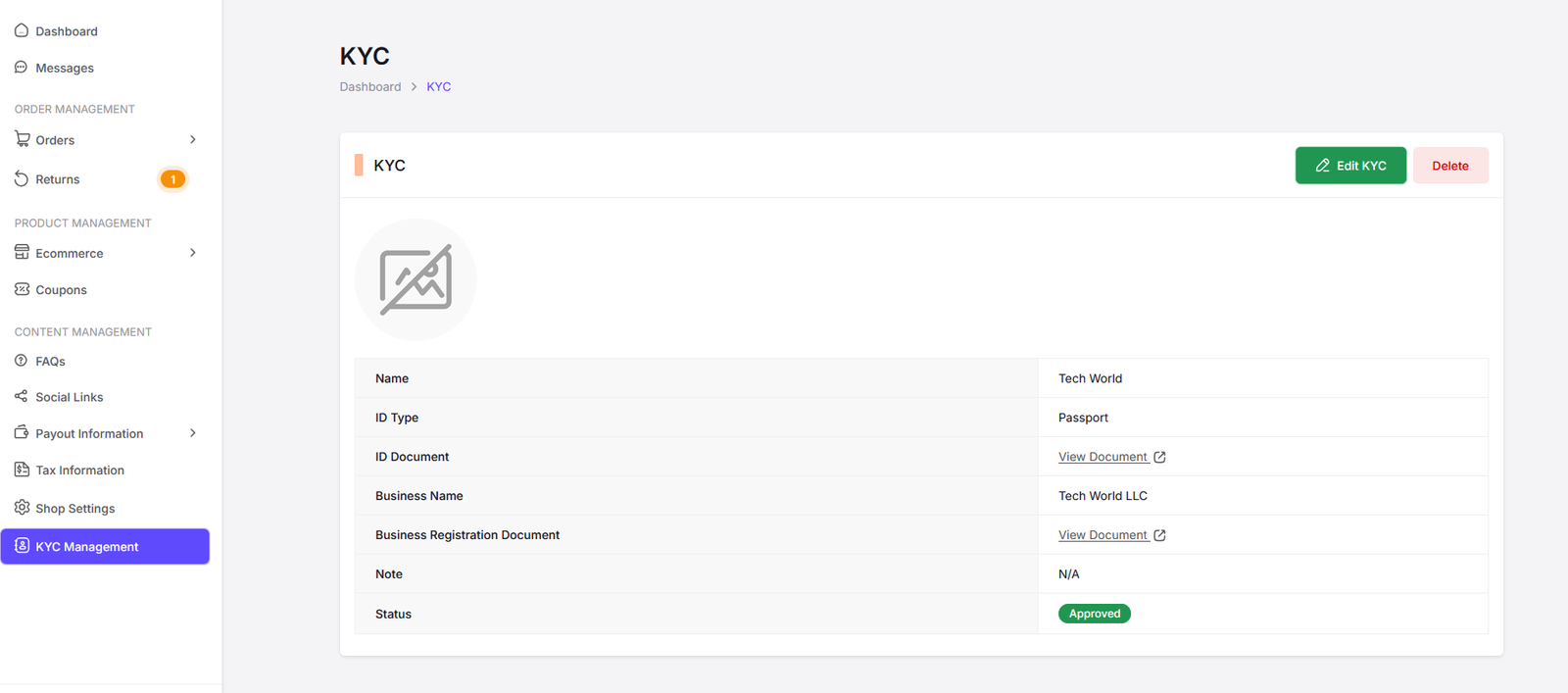
Here vendor can manage the KYC information. Add KYC information and also edit and delete the KYC information.
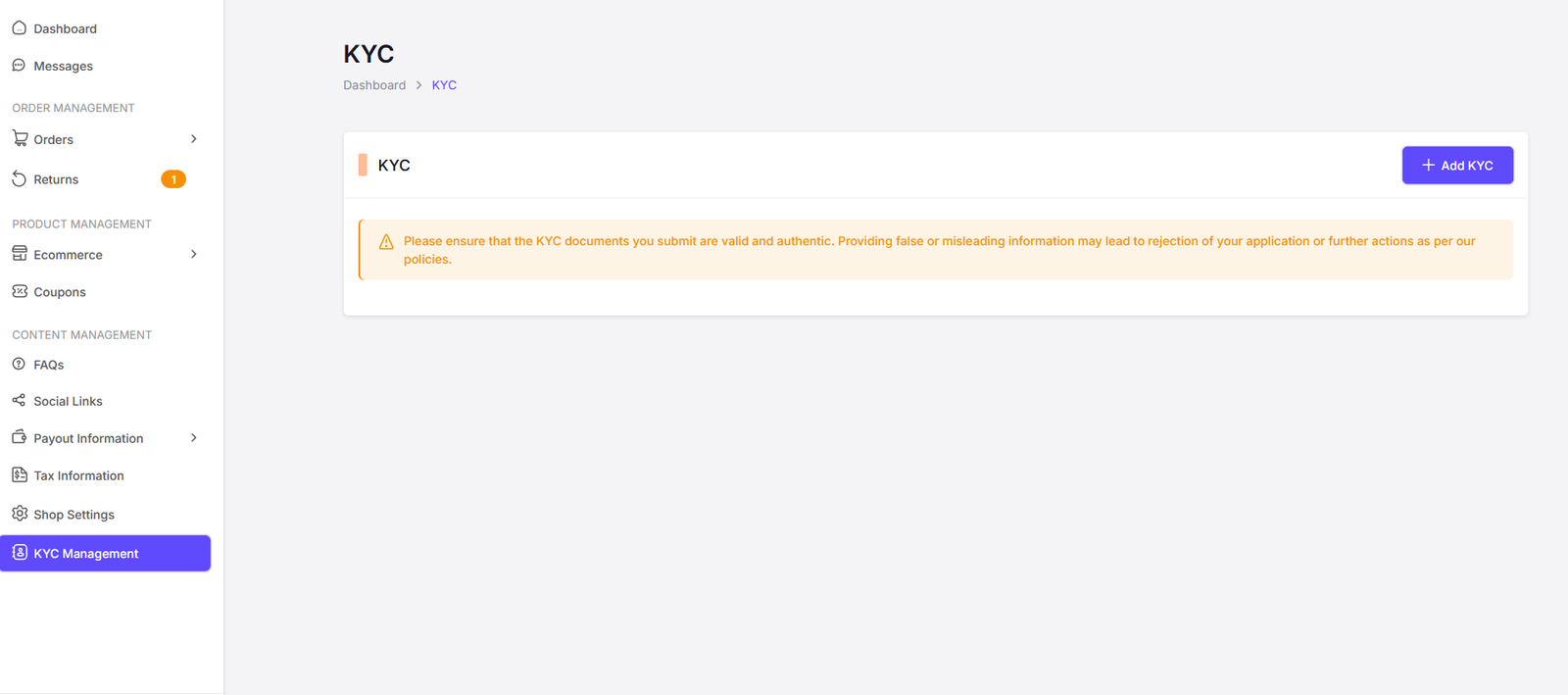
Add KYC.
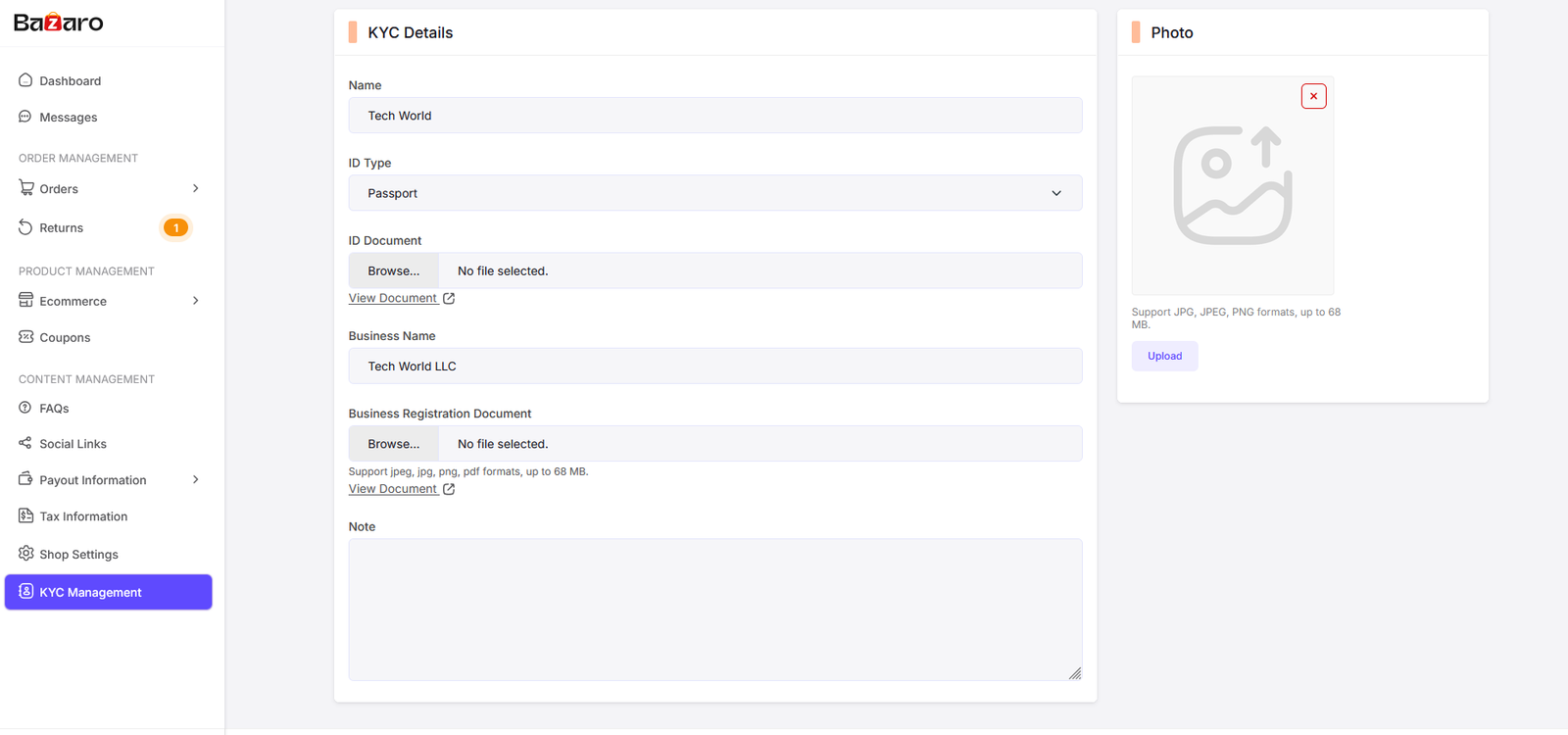
Edit KYC.
My Wallet
Vendor can manage their wallet information here.
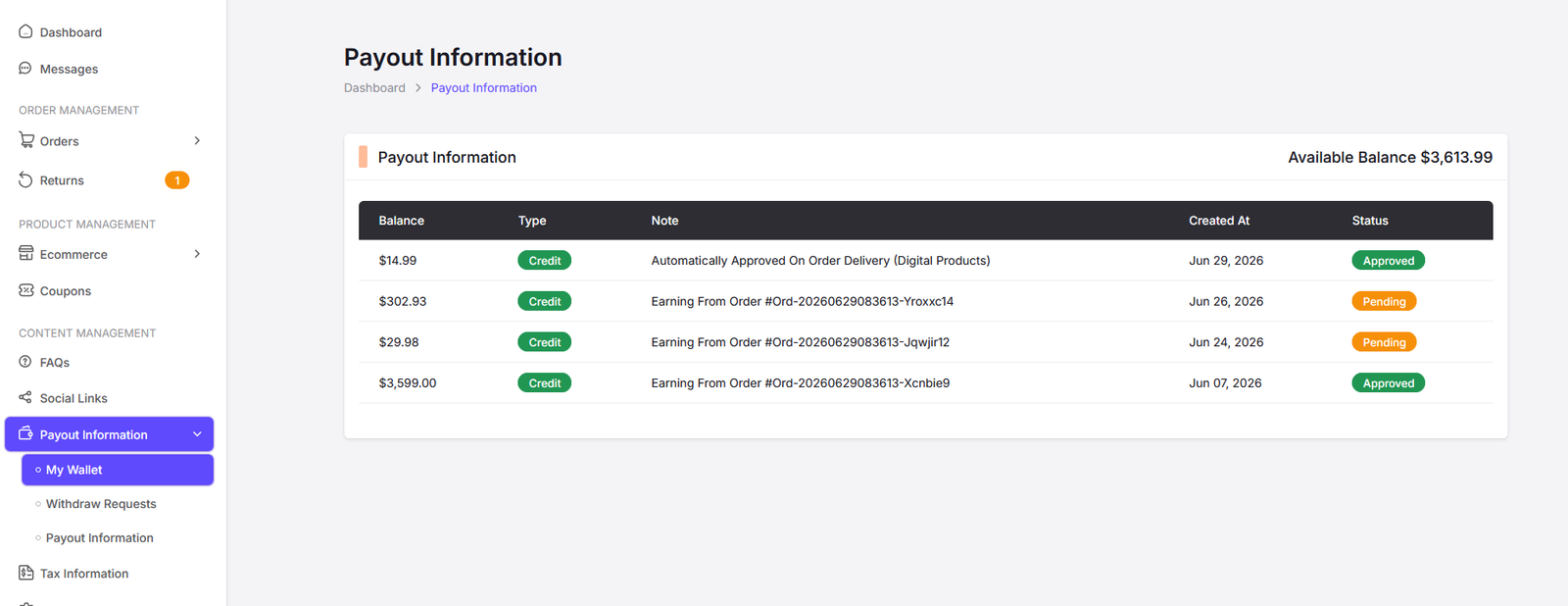
Here vendor can view their wallet information.
Withdrawals
Vendor can manage their withdrawal information here.
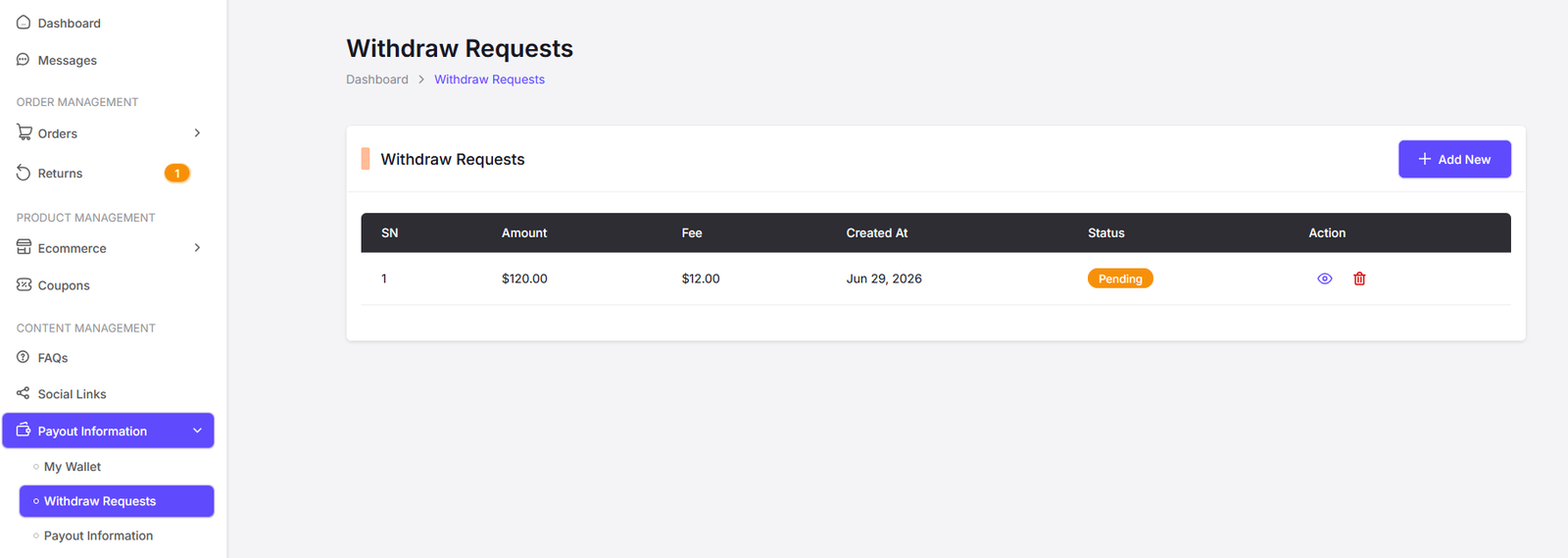
Withdrawal Request List.
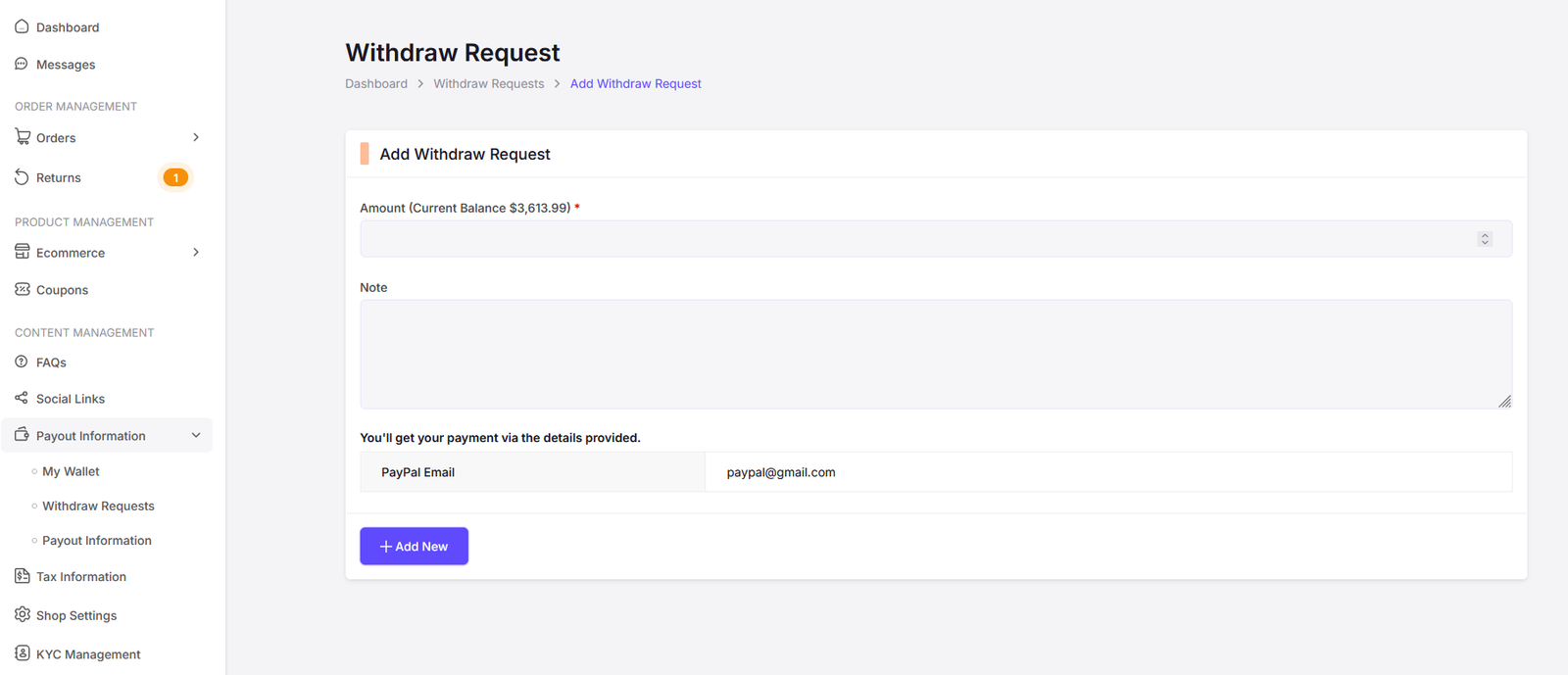
Here vendor can apply for withdrawal.
Payout Information
Vendor can manage their payout information here.
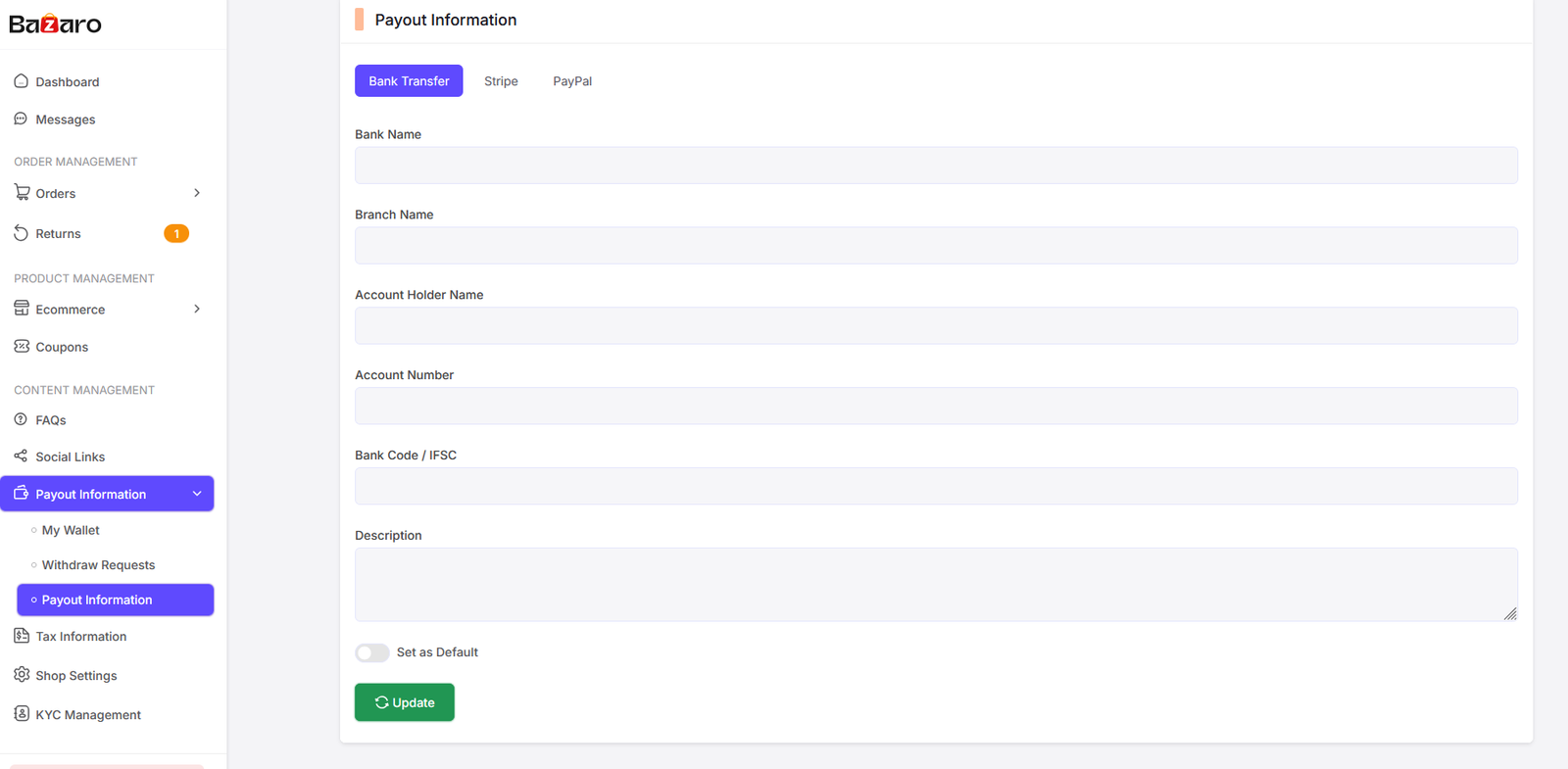
Here vendor can manage their payout information.
Messages
Vendor can manage their messages here.
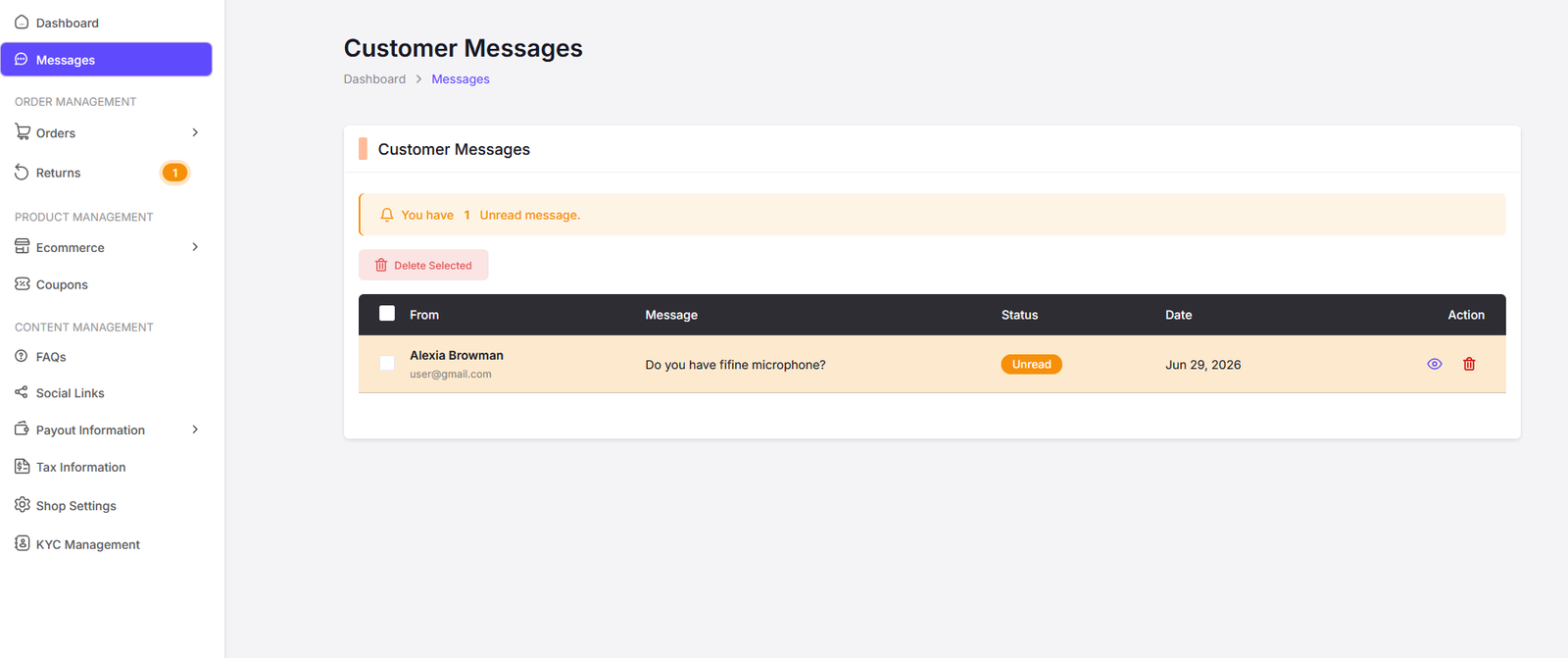
Here vendor can view customer messages/enquiries.
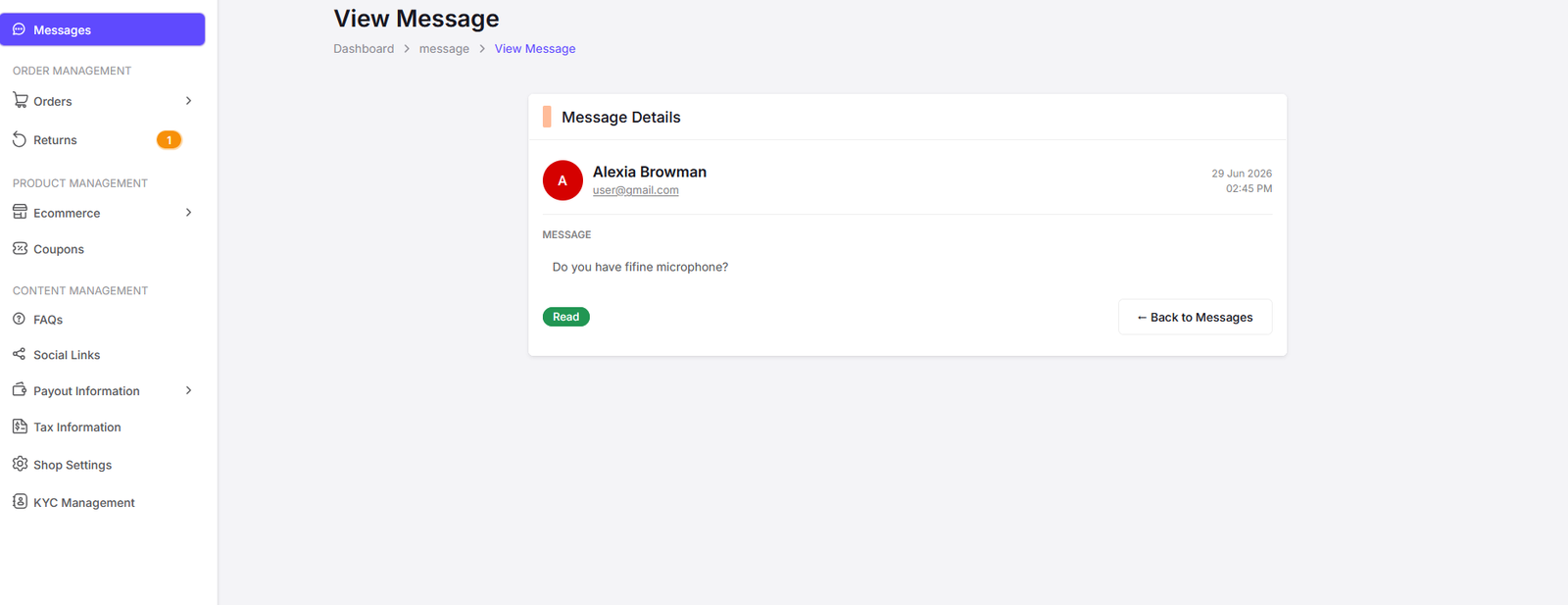
Message View Page.